
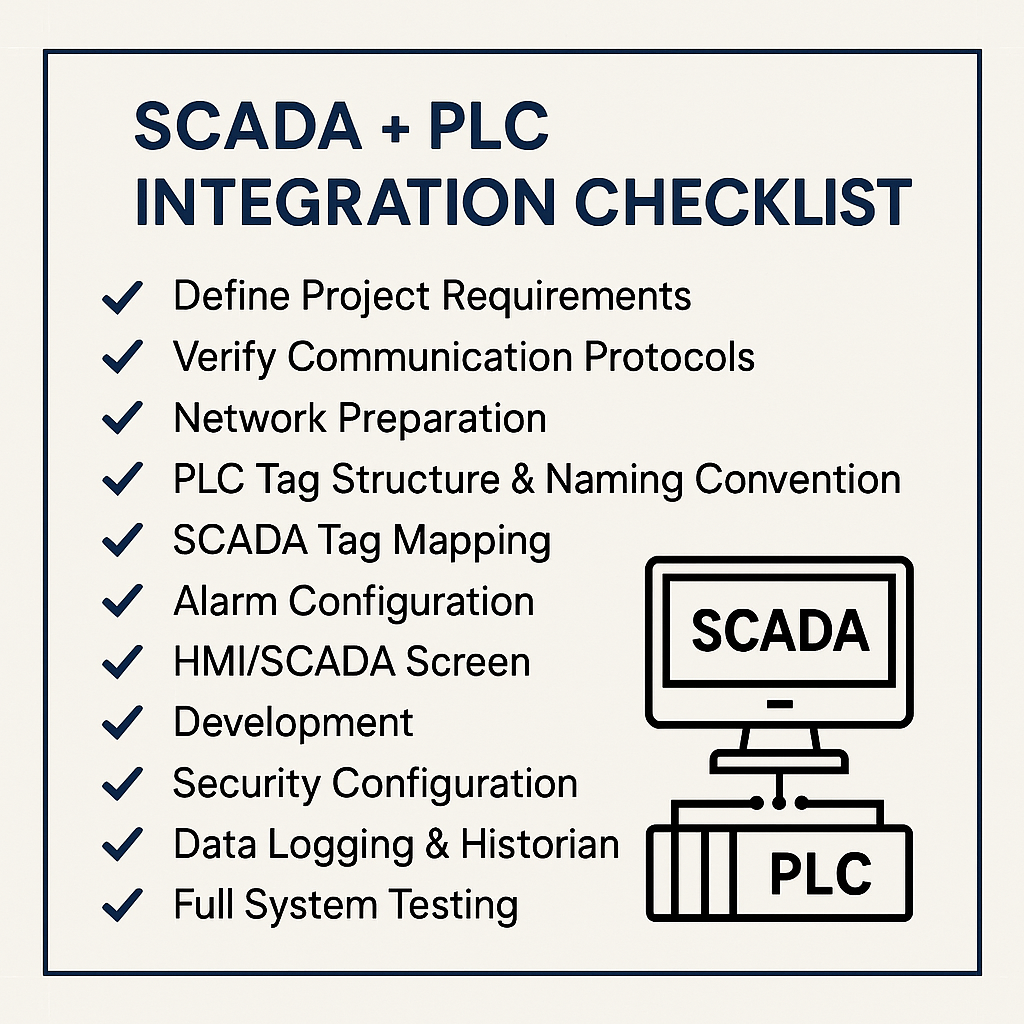
SCADA + PLC Integration Checklist: A Complete Guide for Modern Automation
SCADA + PLC Integration Checklist
Integrating a SCADA system with PLCs is one of the most important steps in building a modern, reliable, and scalable industrial automation environment. A properly executed integration improves visibility, reduces downtime, and allows operators to make faster, data-driven decisions.
To help technicians, engineers, and system integrators streamline the process, here is a complete SCADA + PLC integration checklist covering planning, configuration, networking, data mapping, security, and validation.
1. Define Project Requirements
Before any wiring or programming begins, clearly define the integration scope:
- What PLCs and SCADA platforms will be used?
- Which process variables should be monitored and controlled?
- Required HMI screens, alarms, trends, and reporting?
- Expected data update rates?
- Any legacy equipment involved?
A solid requirements list prevents scope creep and ensures smoother commissioning.
2. Verify Communication Protocols
SCADA and PLCs must speak the same “language.” Confirm:
- Supported protocols: Modbus TCP, OPC UA, OPC DA, Ethernet/IP, Profinet, etc.
- Availability of required drivers
- IP addressing requirements
- Licensing implications for proprietary protocols
- Supported polling rates or subscription-based data models
Choosing the right protocol reduces latency and boosts reliability.
3. Network Preparation
A SCADA system’s stability depends heavily on the network. Check:
- Dedicated automation VLANs
- Static IPs for PLCs and SCADA servers
- Managed switches instead of unmanaged
- Redundant LAN paths (ring, star, mesh) if needed
- Firewall rules for OT network segments
- Time synchronization (NTP) across all devices
A clean network prevents 80% of integration headaches.
4. PLC Tag Structure & Naming Convention
Standardized tag names ensure consistent SCADA mapping.
Checklist:
- Use descriptive tag names (e.g., “PUMP_01_RUNNING”)
- Group tags by equipment or subsystem
- Define data types early (BOOL, INT, REAL, DINT)
- Keep naming consistent across PLC and SCADA
- Document everything in a tag list spreadsheet
A well-organized PLC program drastically speeds up SCADA configuration.
5. SCADA Tag Mapping
Importing or manually creating tags requires planning:
- Create tag groups matching PLC structures
- Match data types exactly to avoid conversion issues
- Map only relevant tags — avoid importing entire PLC databases
- Use scaling parameters for analog inputs
- Apply engineering units (°C, bar, %, L/min, etc.)
Accurate mapping ensures operators receive correct real-time data.
6. Alarm Configuration
A good alarm strategy improves operator response and prevents alarm floods.
Checklist:
- Prioritize alarms (critical, warning, info)
- Set correct thresholds
- Add hysteresis to noisy signals
- Define clear alarm messages
- Assign unique alarm IDs
- Test alarm acknowledgment behavior
- Configure alarm history logging
Alarms should inform—not overwhelm.
7. HMI/SCADA Screen Development
Good visualization improves operational efficiency.
- Use simple, clean layouts
- Add color standards for alarm states
- Use P&ID-style diagrams for clarity
- Include navigation menus
- Add real-time trend objects
- Provide manual/auto controls where relevant
- Include diagnostic screens for PLC/IO status
Focus on usability, not artwork.
8. Security Configuration
Cybersecurity is a critical part of modern SCADA systems.
Checklist:
- Role-based user accounts
- Strong passwords + expiry policies
- Disable unused ports/services
- VPN for remote access
- Firewalled separation from IT network
- Use OPC UA security features when available
- Encrypted communications where possible
Security should be built-in, not added later.
9. Data Logging & Historian Setup
If your SCADA includes historical logging:
- Select required tags for trending or reporting
- Set logging frequency
- Choose storage location (local, cloud, SQL server)
- Define retention policies
- Validate historian reads and writes
Historical data is key for analytics and maintenance planning.
10. Full System Testing & Validation
Before going live, run a complete test:
- I/O testing
- Communications load testing
- Failover testing (servers, networks, PLC redundancy)
- Alarm and event simulation
- Screen navigation checks
- Operator training session
- Documentation handover
Testing ensures a smooth handover and long-term system stability.
Conclusion
Integrating SCADA with PLCs doesn’t have to be complicated. By following this structured SCADA + PLC Integration Checklist, you can ensure reliable communication, secure architecture, clean tag mapping, and an efficient operator experience.