
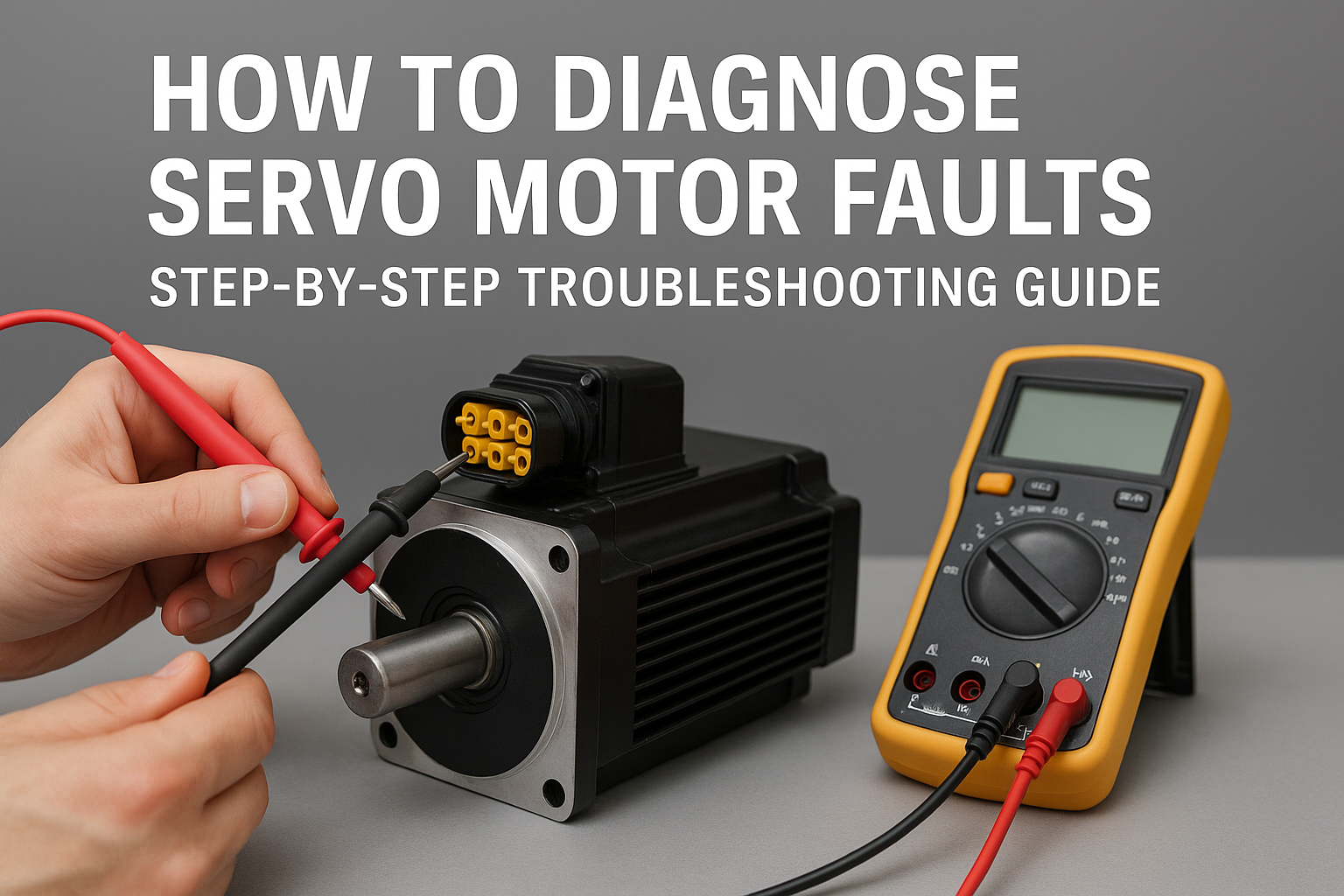
How to Diagnose Servo Motor Faults: Step-By-Step Troubleshooting Guide
How to Diagnose Servo Motor Faults: A Practical Guide for Technicians
Servo motors are the backbone of modern automation—precise, fast, and reliable. But when a servo begins to behave unpredictably, stop responding, or trigger alarms, production can come to a halt. The good news? Most servo problems follow common patterns, and with a structured diagnostic approach, you can identify the root cause quickly.
In this guide, we’ll walk through the most effective steps for diagnosing servo motor faults—whether you’re maintaining industrial robots, CNC equipment, conveyors, or any automated motion system.
1. Start With the Basics: Visual & Safety Checks
Before diving into software diagnostics or electrical tests, start simple.
✔ Power Status
- Ensure the servo drive is powered.
- Check for blown fuses, tripped breakers, or unstable power supplies.
✔ Cable Integrity
- Inspect motor power cables for cuts, kinks, or burnt sections.
- Look for loose or oxidized connectors.
✔ Environmental Conditions
- Excessive heat inside cabinets.
- Dust, vibration, or moisture around the motor.
A surprising number of servo faults come from loose connectors or harsh environments.
2. Check the Drive for Alarms and Error Codes
Servo drives (VFDs, amplifiers) almost always provide diagnostic codes.
Common Drive Errors Include:
- Overcurrent
- Overvoltage/Undervoltage
- Encoder feedback loss
- Overtemperature
- Overload/Torque limit exceeded
Look up the exact code in the manufacturer’s manual—these codes usually point you very close to the problem.
3. Verify Encoder Feedback
Servo systems rely heavily on feedback. If the drive cannot trust the encoder signal, it will fault immediately.
Steps to Diagnose Encoder Issues:
- Inspect encoder connectors for loose pins.
- Check the encoder cable for damage.
- Rotate the motor shaft manually—if supported—to verify the encoder counts change in the drive interface.
- Ensure shield grounding is correct.
Symptoms of encoder problems: jittering, oscillation, sudden shutdowns, or “position error exceeded” alarms.
4. Perform Mechanical Isolation Tests
A servo under mechanical stress or overload may appear electrically faulty.
Try these tests:
- Disconnect the motor from the load (if possible) and run it free-spin.
- Listen for grinding, scraping, or abnormal vibration.
- Check for seized bearings or worn gearboxes.
- Verify that belts, couplings, and ball screws rotate freely.
If the motor runs fine without the load, the issue is likely mechanical, not electrical.
5. Measure Motor Windings
Using a multimeter or megohmmeter:
Check for:
- Phase-to-phase resistance balance
All phases should measure nearly identical resistance. - Shorts to ground
Any reading other than infinite insulation resistance indicates a fault.
Imbalanced or grounded windings typically signal internal motor damage.
6. Look for Signs of Overload or Overheating
Overheating is responsible for a large percentage of servo motor failures.
Potential Causes:
- Continuous high torque demand
- Blocked airflow or dirty cooling fans
- Wrong motor sizing for the application
- Incorrect servo tuning parameters causing oscillation
If the thermal sensor trips often, investigate load and duty cycle.
7. Check and Retune Servo Parameters
Incorrect gains or tuning parameters can produce symptoms that look like motor failure.
Signs of poor tuning:
- Oscillation or hunting
- Slow response
- Overshoot on positioning
- Audible vibration or whining
If the system was recently modified, resetting to factory tuning profiles can resolve issues quickly.
8. Swap Components (If Possible)
One of the fastest troubleshooting techniques:
- Use a spare servo drive.
- Swap motor-to-drive cables.
- Try a known-good motor of the same model.
If the problem “follows” the component, you’ve identified the faulty part.
Conclusion
Diagnosing servo motor faults doesn’t need to be complicated. By approaching the problem step-by-step—starting with simple visual checks, using drive error codes, verifying feedback, and isolating mechanical components—you can pinpoint the issue efficiently and minimize downtime.
Whether you’re an automation engineer, maintenance technician, or machine builder, building a consistent diagnostic workflow will save time, prevent repeated failures, and keep your systems running smoothly.